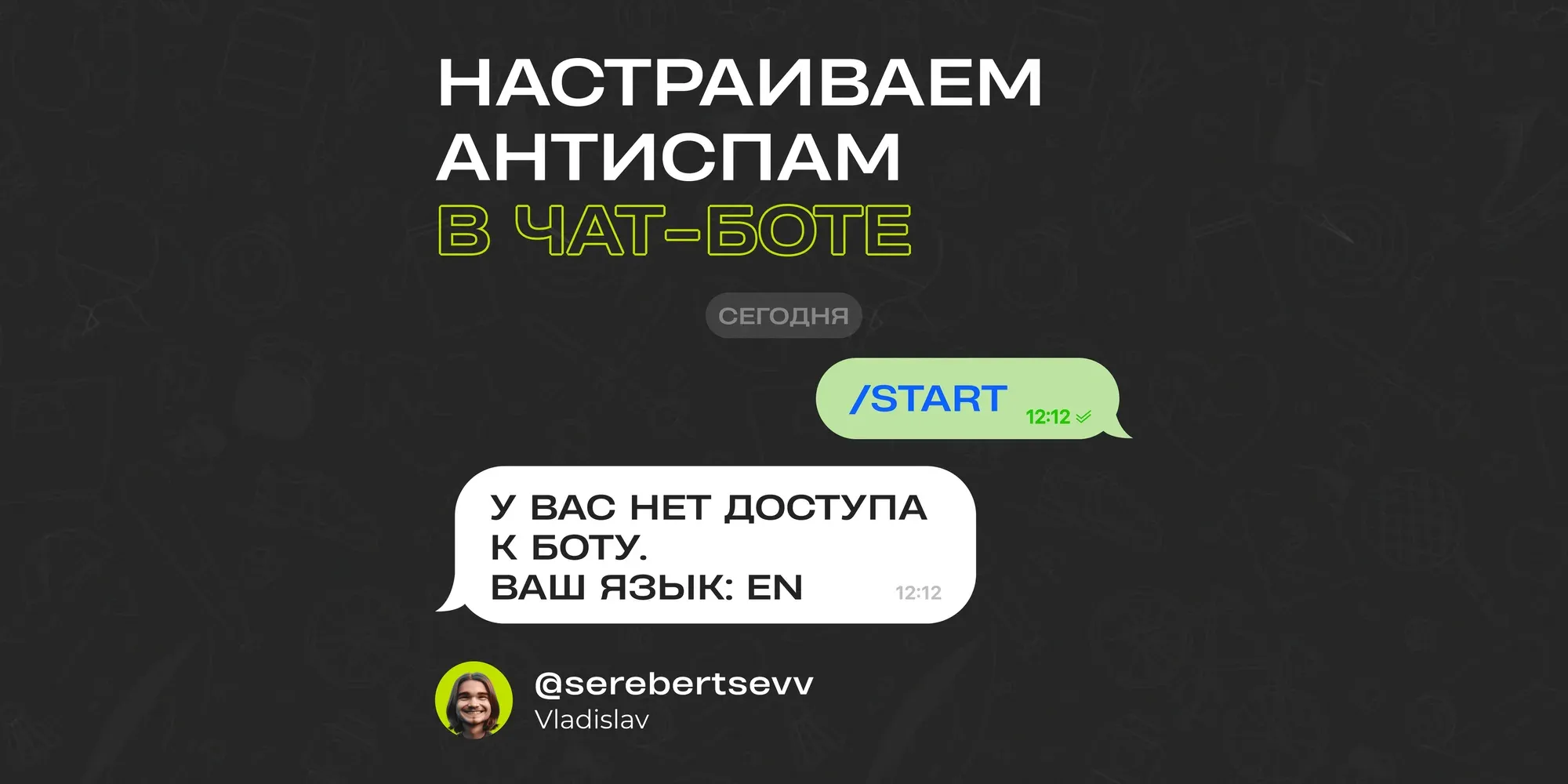
In his article, Vladislav Serebertsev explains how to set up an integration with the Telegram API to detect a user's language and control access to the bot based on language preferences.

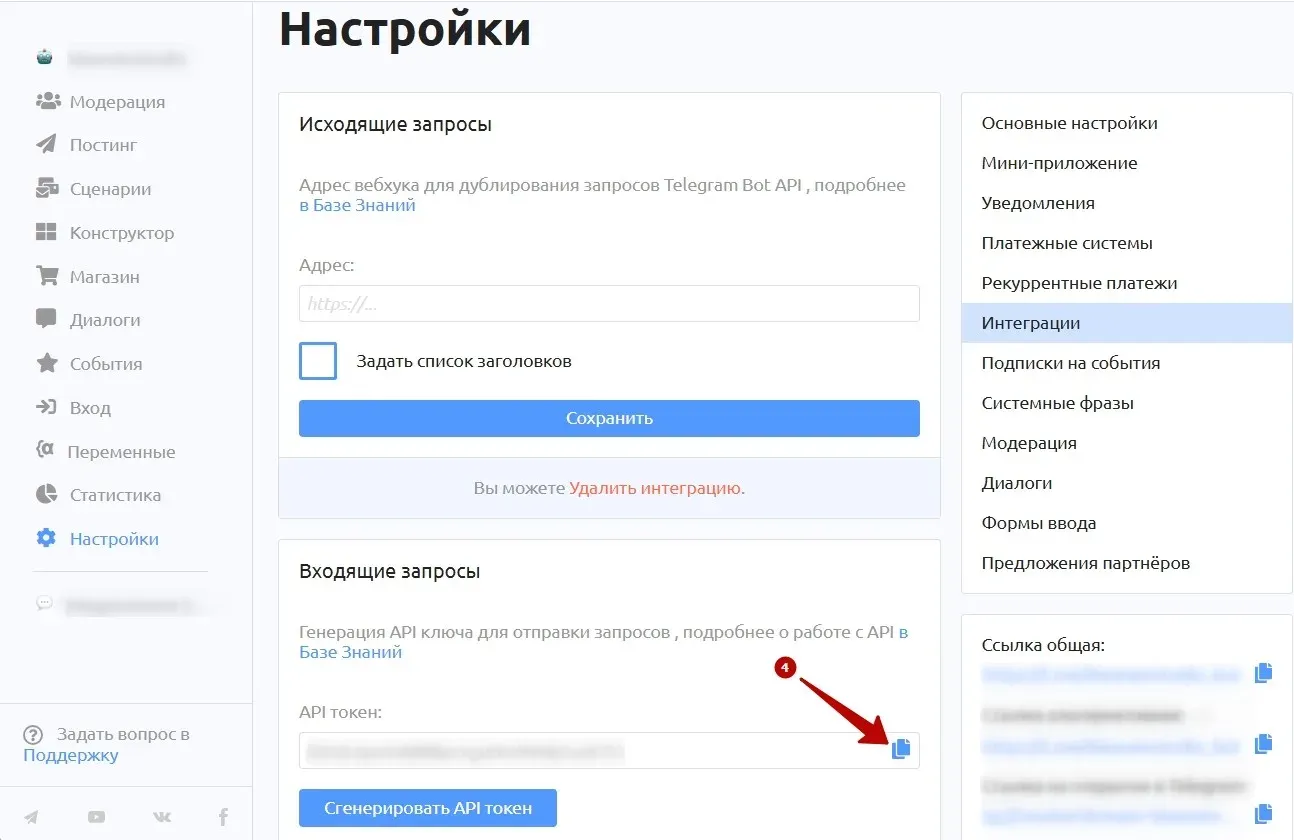
Step 1. Generate a token for incoming requests
1. Open the "Settings" tab.
2. Go to the "Integrations" section.
3. Click "Generate API token".
4. Copy the token that appears to the clipboard.

Step 2. Create an integrated variable
We'll create a variable that gets the user's Telegram language via an API request. Here are the settings:

1. Open the "Variables" tab.
2. Add a variable.
3. Give it a name of your choice, or enter {{DATA_LANG_CODE}}.
4. Select the "Integrated" value type.
5. Select the "HTTP request" integration type.
6. In the link field, enter "https://api.puzzlebot.top/?token=(YOUR_INTEGRATION_TOKEN from the previous step)&method=getUserInChatStatus".
7. Select the "GET" request type.
8. Add the user_id parameter: {{USER_ID_TEXT}}.
9. Add the chat_id parameter: {{BOT_ID_TEXT}}.
10. Click "Test request" and make sure the request succeeds.
11. Select the response: data.language_code
12. At the very bottom, click "Save variable". The integrated variable is now set up.
Step 3. Create a language check condition
Let's create a condition that checks the user's language in the variable and grants access if the language matches your settings. Here's how:

1. Create a condition in the Constructor (more details...).
2. Add a "Variable value" check.
3. In the variable name field, enter the variable name, for example, {{DATA_LANG_CODE}}.
4. Leave the condition type as "Exact match", and in the phrases, enter the language codes that are allowed to keep using the bot.
5. Select the "Send command or condition" action for when the rule is met.
6. If the rule isn't met, the exception rule is triggered. Set it to the "Block user" action and select "Block permanently". A blocked user won't be counted in moderation or as one of your subscribers.
Step 4. Key setup stages
1. Generating an API token: done for a specific bot for a specific request.
2. Creating an integrated variable: lets you get the user's language via an HTTP request.
3. Setting up the language check condition: automatically filters users, allowing only the selected languages and blocking everyone else.
This system not only simplifies moderation but also makes the bot more convenient for its target audience. With this mechanism in place, you can manage your audience more effectively.
Want to ask an expert a question? Leave it in the comments under the latest post in our channel, and the most interesting ones will be covered.