Our expert Vladislav Serebertsev explained how to create a quiz that counts points with a variable and assigns a category to users based on their answers.
This article uses the following features:
1. Moderation, learn more...
2. Constructor, learn more...
3. Conditions, learn more...
4. Variables, learn more...
Step 1 — Create categories
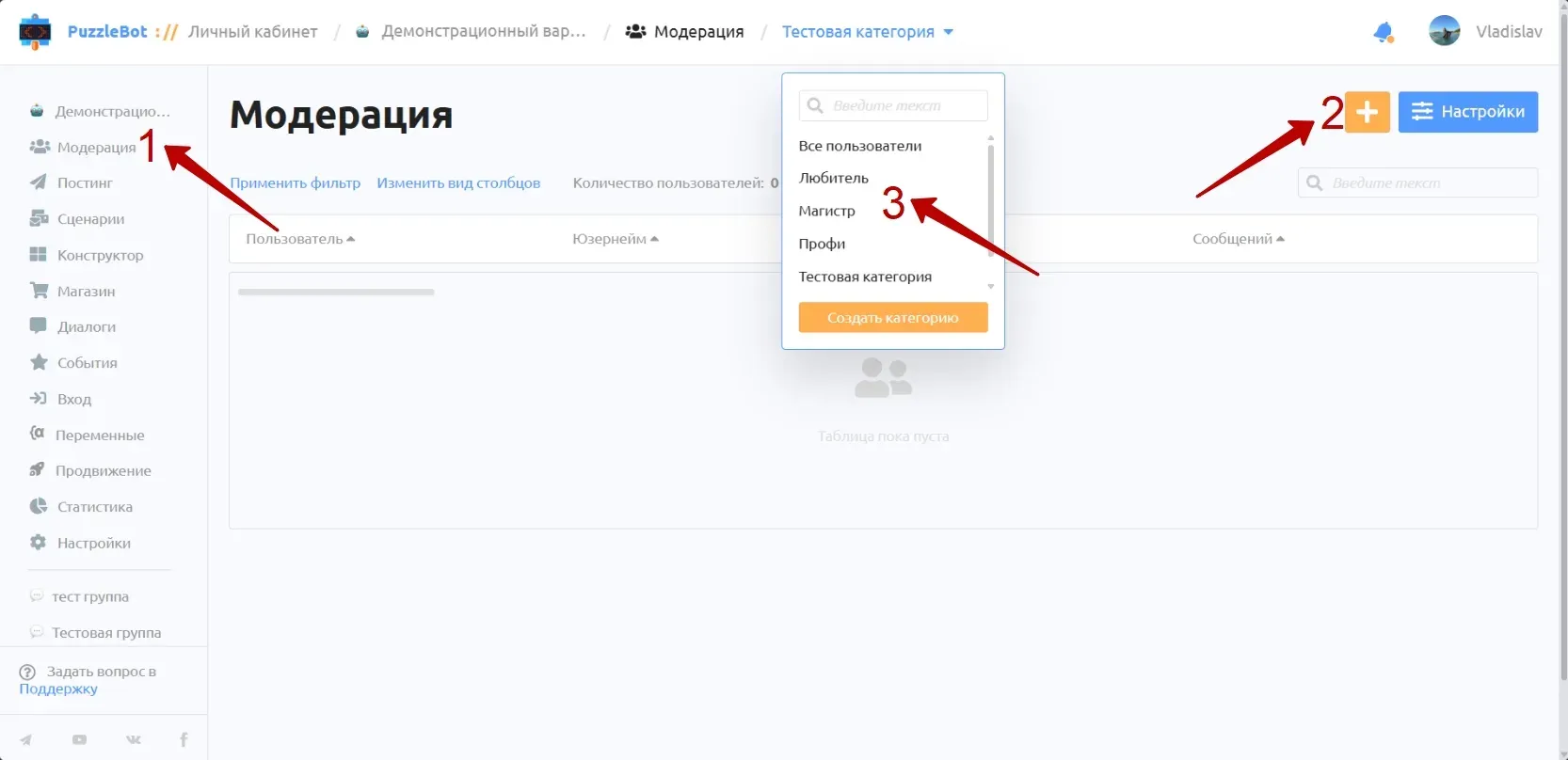
1. Open the "Moderation" tab.
2. Create several categories: "Master", "Pro", "Amateur".
Step 2 — Create a variable

1. Go to the "Variables" section
2. Click "Add variable"
3. Create a variable; I named it "POINTS"
4. Set the value format to "Number" and enter 0 as the (default) value
5. Save the variable
Step 3 — Create a command with questions (QUIZ)

1. Go to the "Constructor" section.
2. Create a command called "QUIZ".
3. Create input forms with the "Multiple choice" input type.
4. On the correct option, click "Change variable", pick the "POINTS" variable you created earlier and enter +1 as the formula.
5. Save the button settings.
In the advanced settings, you can check "Random order of options" so the correct answer doesn't always appear in the same place.
Step 4 — Create text commands and a condition that sends them

1. Create the commands "Magistr", "Profi", "Enthusiast". In them, write the text users will get if they score the required number of points.
2. Create a condition; I named it "Check points".
3. In this condition, check the value of the "POINTS" variable. Select the "≥" (greater than or equal to) operator and 4 points.
4. For the action type, select "Change categories" and assign the user the "Master" category.
5. Then send the user the "Magistr" command. Duplicate these conditions and adjust the value in the variable check to assign the remaining categories and send the matching commands.
6. In the actions of the "QUIZ" command, set "Go to command or condition" and enter the "Check points" condition.
Don't forget to publish the changes.
We've learned how to set up a flexible answer system with input forms and assign categories to users based on their scores.
Want to ask our expert a question? Leave it in the comments under the latest post in our channel, and we'll break down the most interesting ones.