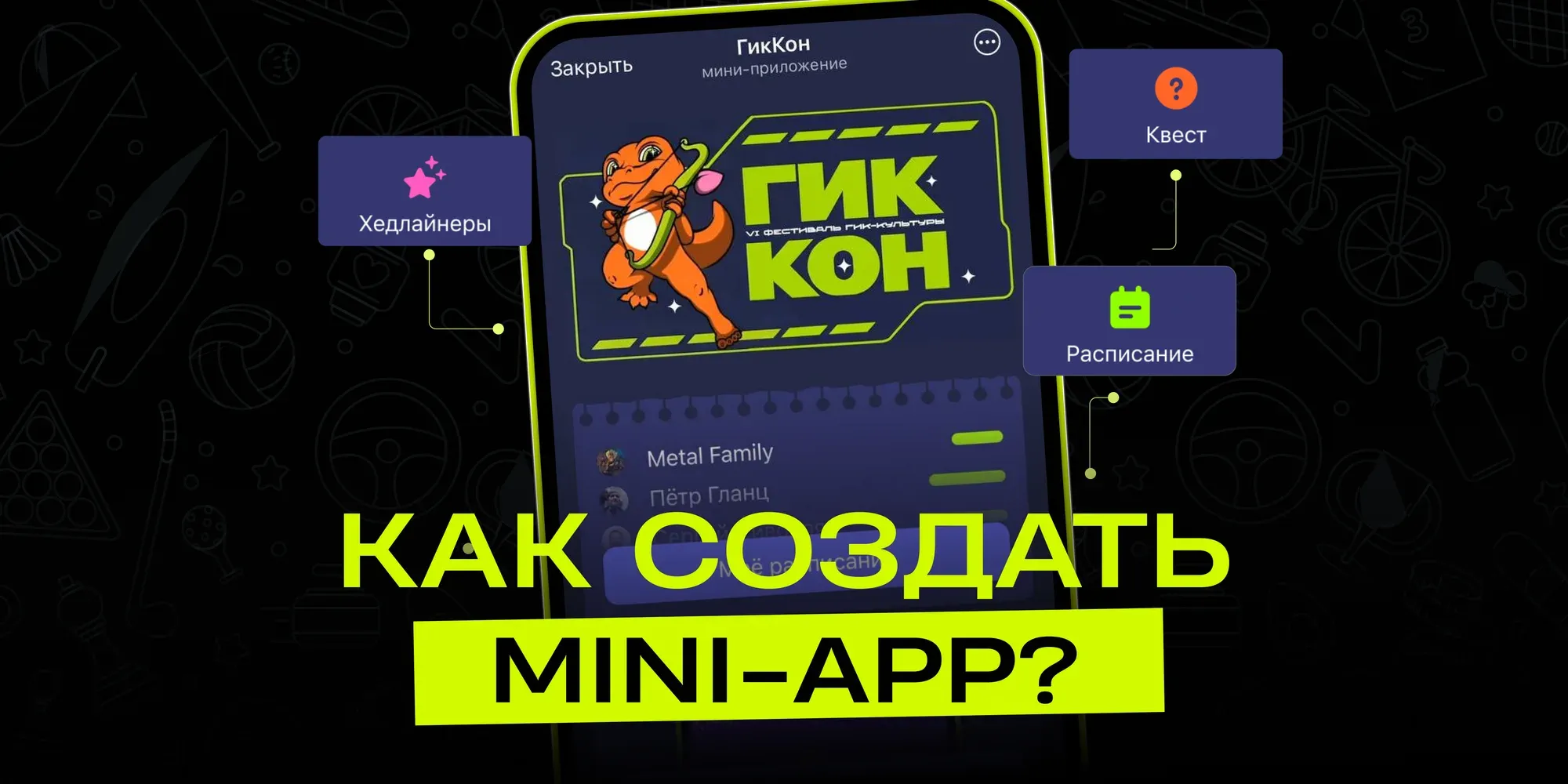
How to create a mini app in Telegram
Mini Apps are full-fledged web apps that open from a link in a chat and let people order products, play games or use services without leaving the messenger. It's convenient for users: there's nothing to install, and everything launches instantly. Creators get direct access to Telegram's huge audience. If you're wondering how to create a mini app, the process is simpler than it seems, especially with visual builders that don't require deep programming knowledge.
What's great about these apps, and where do you start?
Regular apps from app stores need to be installed, updated and take up space on your phone. Telegram mini apps solve this differently: tap a button in the bot and you're in. This boosts conversion because there are fewer steps than with classic apps. Technically, everything is built on web technologies that many people already know. As for how to create a mini app, all you need is to register a bot via BotFather and connect it to a builder.
Visual builders let you assemble an app from blocks, without writing code from scratch. puzzlebot is the most feature-rich service for Telegram, letting you create both chatbots and Mini Apps in one place. This sets puzzlebot apart from most competitors, since almost none of them offer an option for building mini apps. Startup costs are minimal: you don't need to hire developers or buy servers. The design is flexible: you can freely experiment with element layout, colors and animations, and the app will display correctly on both mobile devices and desktop.
First steps in the Constructor, and why it's convenient
Start with an idea: what will your app do? Maybe it's a simple survey or a product catalog. Next, create a bot via BotFather and get a token: it takes a couple of minutes and it's free. In the mini app Constructor, connect the token and start building pages.
Here are the main steps to get started:
Connect your bot and set up a start page with a welcome message.
Add navigation buttons and data input fields.
Insert images or simple forms.
Check how everything looks on your phone right in Telegram.
This approach shows why Telegram mini apps are gaining popularity: you update everything instantly, without waiting for review. Users get the service where they already spend their time, and you get traffic and activity data right away.
How do you add features and distribute your app?
Once the basics are ready, think about interaction. Add notifications or payment integration: in builders, these are often ready-made modules. If you want to create a mini app with a shopping cart, set it up using the built-in components; it usually takes a few simple steps in the interface. Test it via a link in a chat: open it, check it, fix it.
Distribution is easy: share the link in channels or groups. People open it with no extra steps, and your audience grows on its own. Projects like these gain thousands of users in a matter of weeks. This compares favorably with traditional apps, where you have to fight for a spot in the app store and pay for ads.
Compared with regular apps: where's the benefit?
Technically, mini apps load faster because they use Telegram's resources. They don't take up memory and work on any device. To figure out how to make a mini app with no investment, the basic version of the Constructor is enough. puzzlebot lets you start learning to create mini apps for free.
Here are the key differences:
No app store review and no 30% commission.
The design is entirely yours: change colors and layout without restrictions.
Access to TON for crypto payments or Stars for microtransactions.
A low barrier to entry: no need to develop separately for Android and iOS.
The prospects here are also broader: you can build entire ecosystems inside the messenger.
Useful integrations and audience growth
To grow, add a database to store user information. Or connect analytics to see what users like. In the mini app Constructor, this takes very little time. If you're planning a Telegram store, set up a catalog, a cart and payments.
Growth comes through communities: people share the link, and new users arrive organically. A Telegram mini app is easy to adapt to different tasks, from reminders to business services.
Monetization made simple
Once you have users, think about revenue. Integrate payments via Stars or TON. Set up subscriptions or sell digital products. Here are some proven options:
Subscription to premium features.
In-app sales.
Affiliate programs with referrals.
Donations from users.
Built-in ads.
This makes your project not only useful but also profitable. Making a mini app with monetization is a matter of a few settings in the Constructor.
What do well-known people say?
Pavel Durov shared a success story:
One developer launched a mini app just 10 days ago, and it has already earned $500,000 in revenue. He built it in two days in his spare time outside his main job, single-handedly: the design, the concept, the client and server code. Thanks to a brilliant idea and minimalist design, the app went viral and entered the top 4 highest-grossing apps in Telegram. "That's the power of hard work, determination and the Telegram Mini Apps platform!"
Pavel Durov noted at the Blockchain Life 2025 conference:
Over the past year, third-party developer revenue in the Telegram Mini Apps ecosystem has exceeded $1 billion.
Roman Ignatenko, a startup mentor and Telegram Mini Apps evangelist, said:
"Telegram Mini Apps helped me find a team and launch a project over the New Year holidays. The developer community is very active and helpful."
Ilya Boretsky, CMO of AdsGram, said in an interview:
"Telegram Mini Apps: the market prospects are huge, especially with advertising and monetization."
We've put together a complete guide in our knowledge base: How to create a Mini App in puzzlebot. It takes you step by step from registering a bot to launch and testing.
Start building, and we'll support you!