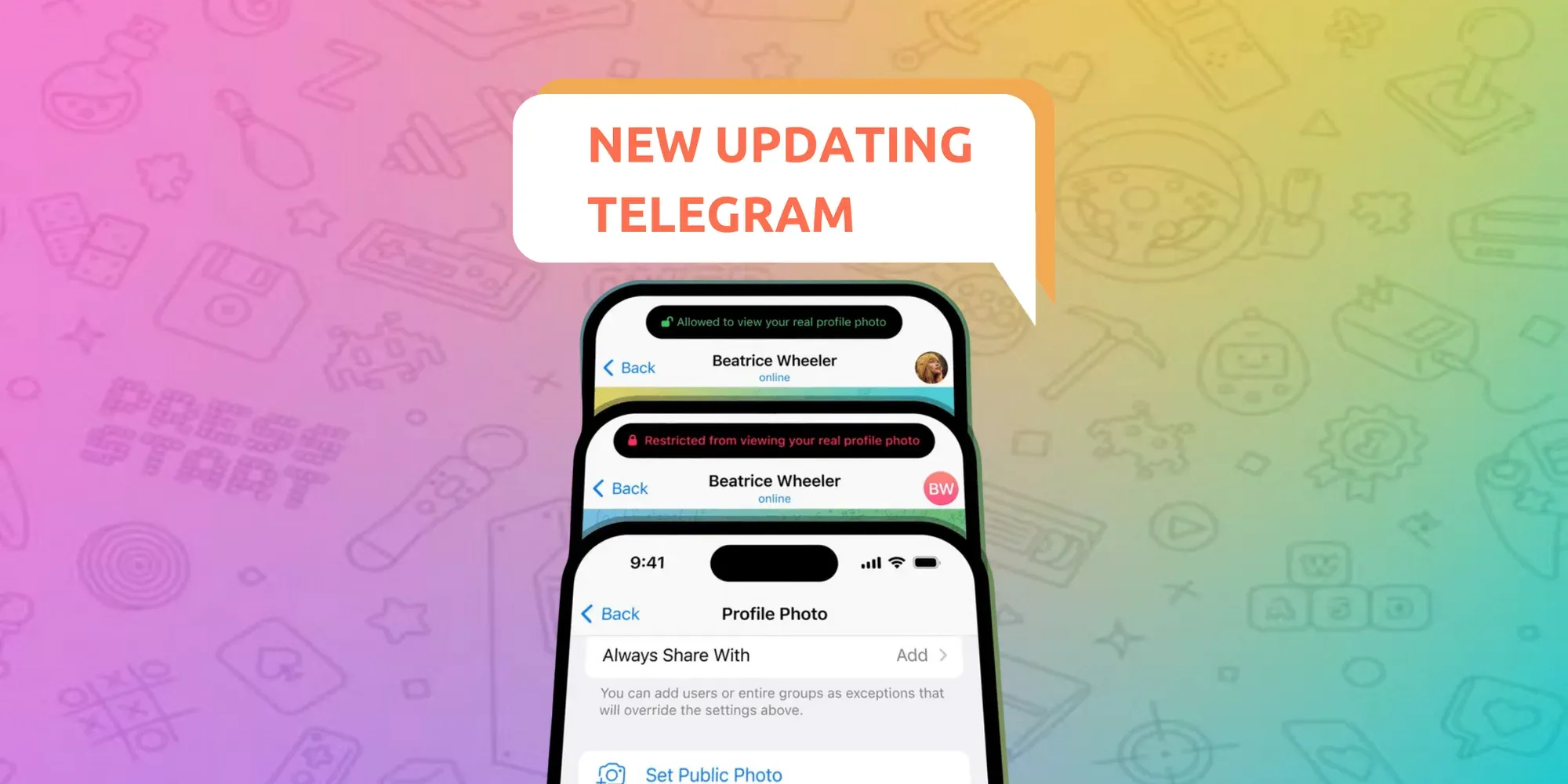
In the new update we were waiting for hidden media, additional ways to save space on the device, new tools for the photo editor, the ability to offer profile photos to your contacts and much more.
Hidden Media
Now you can hide photos and videos behind a translucent cover. The recipient will only see what you've sent by touching the image.

To send one or more media files with the new effect, just select them in the attachment menu, tap the ➕ Android or iOS icon and select "Hide under spoiler".
Maximum memory saving for the device
Telegram can take up next to no space on your device. You can remove media and documents from your phone's storage and re-download them from your Telegram cloud at any time. For years, users could set a maximum cache size or auto-remove unused items after a period of time.
With this update, you can add separate auto-remove settings for cached media from Private Chats, Groups, and Channels – with exceptions for specific chats.
The new pie charts help visualize what's taking up space, and dedicated tabs for Media, Files and Musiclet you clear the largest items in just a few taps.

On iOS, we've greatly reduced the time it takes the app to calculate your cache size. Android users are in luck – their app was already doing this at top speed.
New Drawing and Text Tools
Telegram's already powerful media editor has been fully redesigned. Drawing tools dynamically change width based on drawing speed and automatically smooth your lines.
There is a new blur tool to redact sensitive data (or photobombers) – and 5 high-precision ways to choose colors, including the Eyedropper tool.
When adding text to photos or videos, you can now change its size, font, and background. Adding custom animated emoji to text on images is available for all users, even if they don't have a Telegram Premium subscription.

To quickly add shapes like rectangles, circles, arrows, stars, and chat bubbles, tap the “+” button. You can also hold the surface to fill the canvas with color – or to erase everything.
Profile Pictures for Your Contacts
When editing your contacts, you can choose a picturefor them – only you will see it on their profile.

If you have a good profile picture for your contact, you can suggest it to them. It will take them just two taps to add it to their profile.
Public Profile Pictures
If you only allow certain users to see your profile photos, you can set a public picture for everyone else.

This update also lets you achieve ultimate profile picture privacy: you can set visibility to 'Nobody' and add some users or groups as exceptions.
Hiding Group Members
Tools like the aggressive anti-spam setting help chat admins keep large groups clean – but some groups may also want to protect their members from unwanted personal messages.

Admins of groups with 100+ members can now choose to hide the member list. This way, if people don't send messages to the group, only its admins will know they were there.