In this article, Vladislav Serebertsev explains how to build a bot for a leadership skills course, designed to set up communication between students and their teachers.

The bot's structure in the Constructor
What the bot does
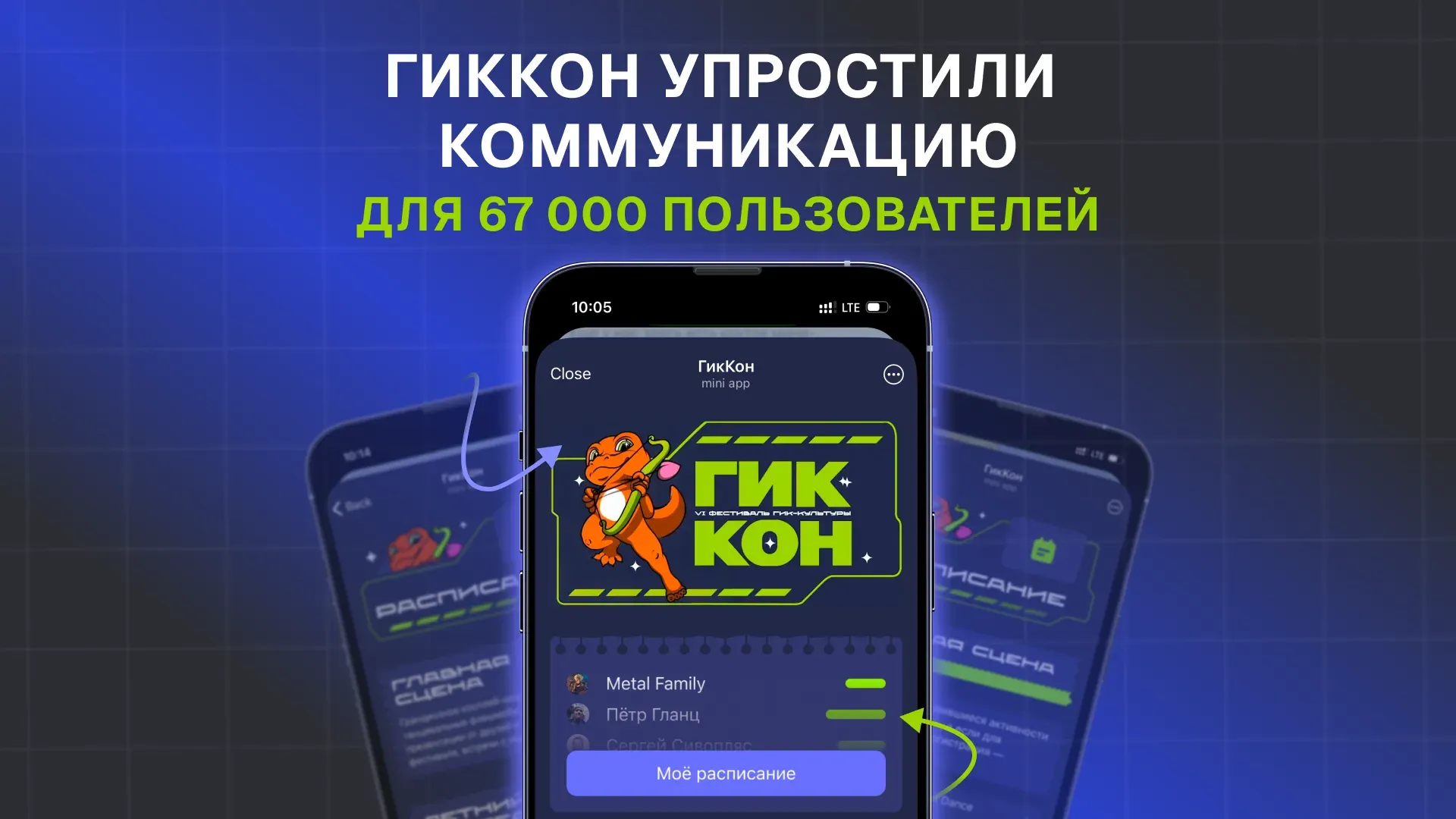
Students take the course in a mini app, while teachers can review each student's completed tasks individually.
How the bot works
1. Easy navigation. The bot has 4 main buttons: My goals, Practices, Booking and FAQ. Each button has its own function, and we'll go through each of them below.
https://leonardo.osnova.io/2e3daef2-8c8c-5bde-b683-92d5144c911c/-/format/mp4/#t=0.1;hd=1&autoplay=1
Navigating the bot
2. With the "My goals" button, students set a goal at the start of the course and mark their progress at each new stage.

The "My goals" feature in action
3. With the "Tasks" button, students complete tasks that build leadership skills. New tasks unlock at each stage, and students earn points for completing them.
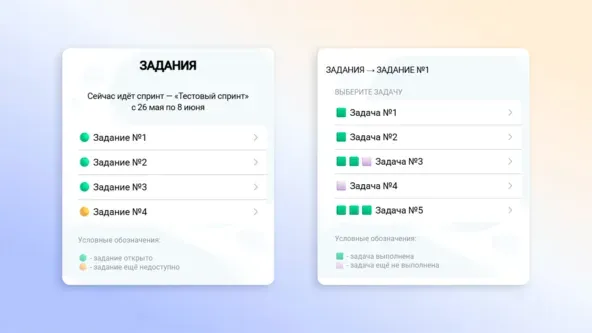
The "Tasks" feature in action
4. The "Booking" button lets students sign up for one-on-one and group meetings. At each stage of the course, students pick a convenient time from the available slots. The schedule is set in advance, with specific time slots for these sessions available on specific dates.

The "Booking" feature in action
5. "FAQ": this button helps users find their way around the bot and understand how it works.
6. Separate features for teachers. A teacher's job is to track progress, check that tasks are done correctly and, based on the results, give the student recommendations.

Teacher features in action
7. Database and notifications. The bot is connected to NocoDB, which stores goals, completed tasks, progress and any other data the bot needs to keep working. For the admins' convenience, all bot information is also duplicated to a Telegram topic (a group with topics).

Saving data to the database and sending notifications to Telegram
So, the Telegram bot solves three key tasks:
For students: a convenient learning format with step-by-step tasks, goal setting and meeting booking. Everything in one place, with no extra services.
For teachers: transparent progress tracking. They see what goals students set and which tasks they complete, and can give personalized recommendations.
For the system as a whole: process automation. The database (NocoDB) records progress, and the bot structures the learning without manual management.
Want to ask an expert a question? Leave it in the comments under the latest post in our channel, and the most interesting ones will be covered.