White Label (WL) is an addition to the tariff that allows you to customize your personal account for your company, namely:
Replace PuzzleBot Logo ://
Replace domain cp.puzzlebot.top
Replace bot for authorization @puzzlebot
Replace mail for notifications
Replace userbot
The perfect solution for studios and individual bot developers looking to raise their brand profile.
How does it work
Owner options

A block for entering WL management appears in the personal account of the WL owner.

On the management page, the owner can work with accesses: go to the user's account, add a bot to the user's account, suspend the account or delete it. In case of deletion, all bots are transferred to the WL owner's account.

In the settings you can set: authorization bot, company name, logo, favicon (browser icon) and mail for notifications. By default, emails are sent from notification-telegram-bot@yandex.ru.
User Features
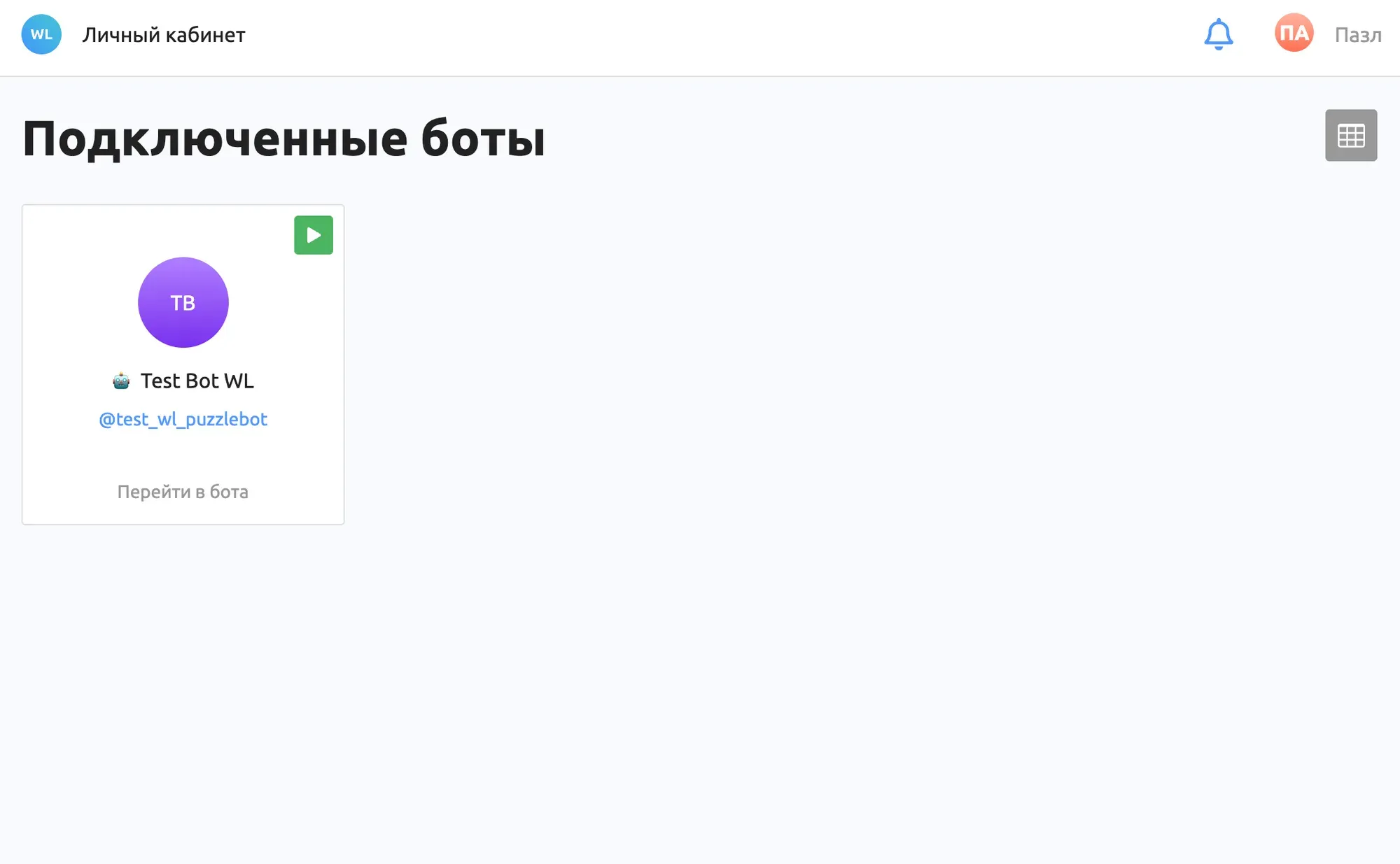
The user's options are limited, unlike the owner of the WL. The user cannot add bots, delete or transfer them. All links to the Knowledge Base and tariff information are hidden.
Conditions
WL is not a separate tariff, but an addition to your current tariff
WL is available for Professional and Individual plans
Each user to whom you give access will use the limits of your tariff plan, let's look at an example: You have a Professional tariff and you have purchased a WL add-on for 4 accesses. According to the Professional tariff, 8 bots are available to you. 1 bot is reserved as an authorization, and you can distribute the remaining 7 bots among your user accounts.
If you need more bots or increase other limits, you need to apply for the Individual tariff. To do this, write in support @helpmepuzzlebot
How to issue
To issue a White Label add-on to the tariff or an Individual tariff plan, write in support @helpmepuzzlebot